How to Build a Custom AI LinkedIn Assistant with No Code in 60 Seconds
Learn how to leverage Aivora to create a personalized LinkedIn writing assistant using natural language prompts. Discover how to automate networking and manifest V3 compliance without writing a single line of code.

How to Build a Custom AI LinkedIn Assistant with No Code in 60 Seconds
Networking on LinkedIn is essential for professional growth, but let's be honest: crafting the perfect response to a post or a DM can be time-consuming. What if you could have a dedicated assistant living right in your browser, ready to draft intelligent, personalized replies based on your unique voice?
In the past, building such a tool would require weeks of development, a deep understanding of the Chrome Extension API, and hours of debugging. Today, with Aivora.pro, you can build a fully functional, Manifest V3-compliant AI LinkedIn Assistant in less than a minute using nothing but natural language.
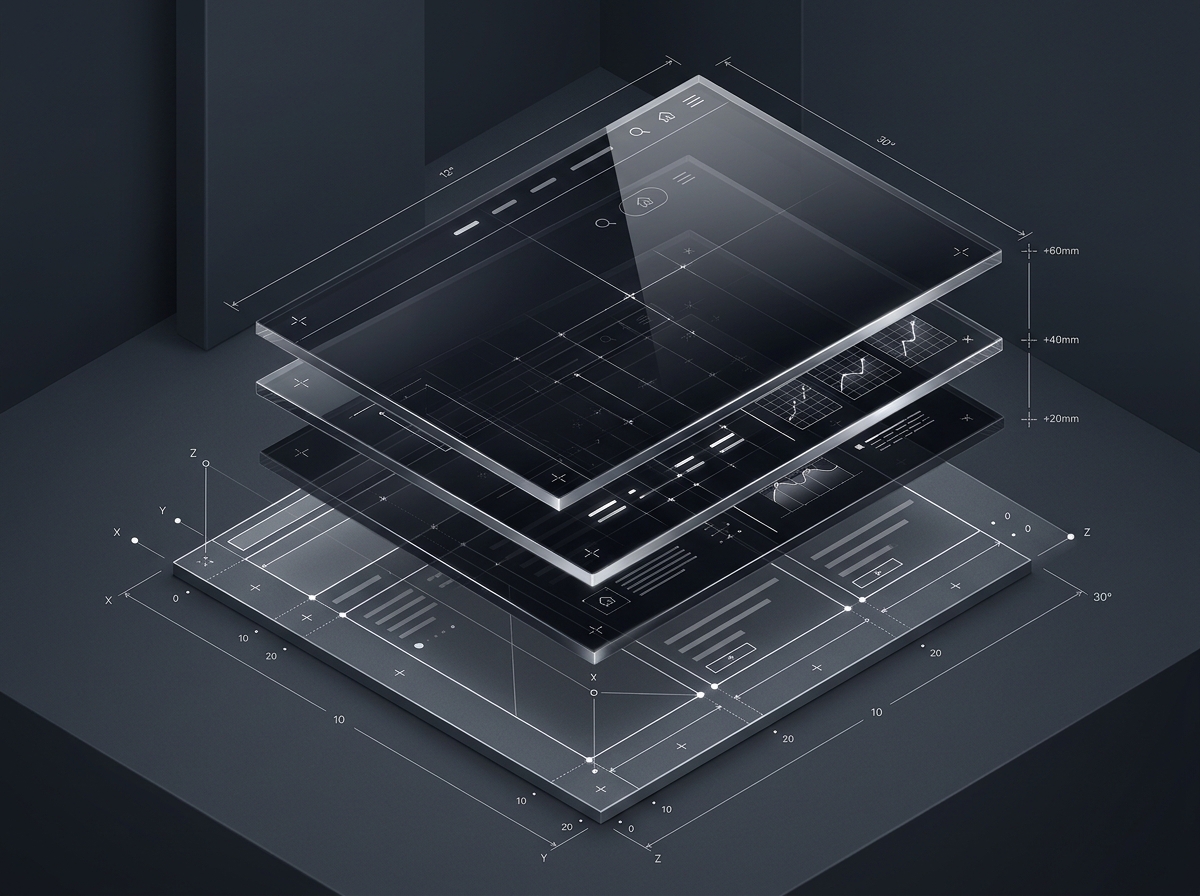
The Power of Natural Language Development
Aivora is a revolutionary platform designed to democratize browser extension development. By leveraging advanced generative AI, it translates your simple text instructions into professional-grade code. You don't need to know what a background.js or a content_script is; you just need to know what you want your tool to do.
Why a LinkedIn Assistant?
LinkedIn is the world's largest professional network, but the noise level is high. To stand out, you need to be active and thoughtful. A custom extension can:
- Analyze post sentiment: Instantly understand the tone of a discussion.
- Draft tailored comments: Generate responses that sound like you, not a generic bot.
- Summarize long articles: Get the gist of shared content before you engage.
- Maintain brand consistency: Ensure your professional voice is uniform across all interactions.
Step-by-Step: Creating Your Extension with Aivora
Building your assistant is a straightforward process that feels more like chatting with a colleague than coding. Here is how you do it:
1. Define Your Prompt
Navigate to Aivora.pro and enter your prompt. For this use case, you might type: *"Create a Chrome extension that adds a 'Draft Comment' button next to the comment box on LinkedIn posts. When clicked, it should use AI to generate a professional and encouraging comment based on the post text.‐
2. Aivora Generates the Code
Once you hit enter, Aivora's engine goes to work. It scaffolds the Manifest V3 file, writes the JavaScript to interact with the LinkedIn DOM (Document Object Model), and even designs a clean CSS interface for your new button.
3. Customize the UI and Icons
Aivora doesn't stop at logic. It also generates the visual assets. You can specify themes or let the AI choose a professional color palette that matches the LinkedIn aesthetic. This ensures your extension feels like a native part of the platform.
Why Manifest V3 Matters
Google has transitioned all Chrome extensions to Manifest V3. This update focuses on security, privacy, and performance. However, it also introduced more complexity for developers.
One of the biggest benefits of using Aivora is that it is Manifest V3 compliant by default. You don't have to worry about deprecated APIs or permission issues. Aivora ensures your extension is future-proof and ready for the Chrome Web Store from the moment it is generated.
How to Install Your New Tool
After Aivora finishes the generation, you will receive a ZIP file containing your extension. To use it:
- Download and unzip the file.
- Open Chrome and go to
chrome://extensions/. - Enable Developer Mode in the top right corner.
- Click Load unpacked and select your unzipped folder.
- Navigate to LinkedIn and see your AI assistant in action!
The Competitive Advantage of No-Code Extensions
By using Aivora, you are not just saving time; you are gaining a competitive edge. You can iterate faster than a traditional developer. If you decide your LinkedIn assistant needs a new feature—perhaps a 'Tone Selector' for funny or serious replies—you simply update your prompt and re-generate the ZIP.
Key Benefits Include:
- Zero Technical Debt: Since the AI writes clean, modern code, you don't have to manage legacy scripts.
- Immediate Deployment: Go from idea to functional tool in seconds.
- Cost Efficiency: No need to hire expensive developers for internal productivity tools.
Conclusion
The era of manual browser extension development is evolving. Aivora.pro puts the power of the Chrome browser into the hands of everyone, regardless of their coding background. Whether you want to dominate LinkedIn networking, automate data scraping, or build a custom productivity dashboard, Aivora is the key to unlocking your browser's full potential.
Ready to build your first extension? Head over to Aivora.pro and start creating today!
